Intranet solutions

Website development

We create custom themes and templates that enhance your visual identity while ensuring smooth and intuitive navigation for your employees.


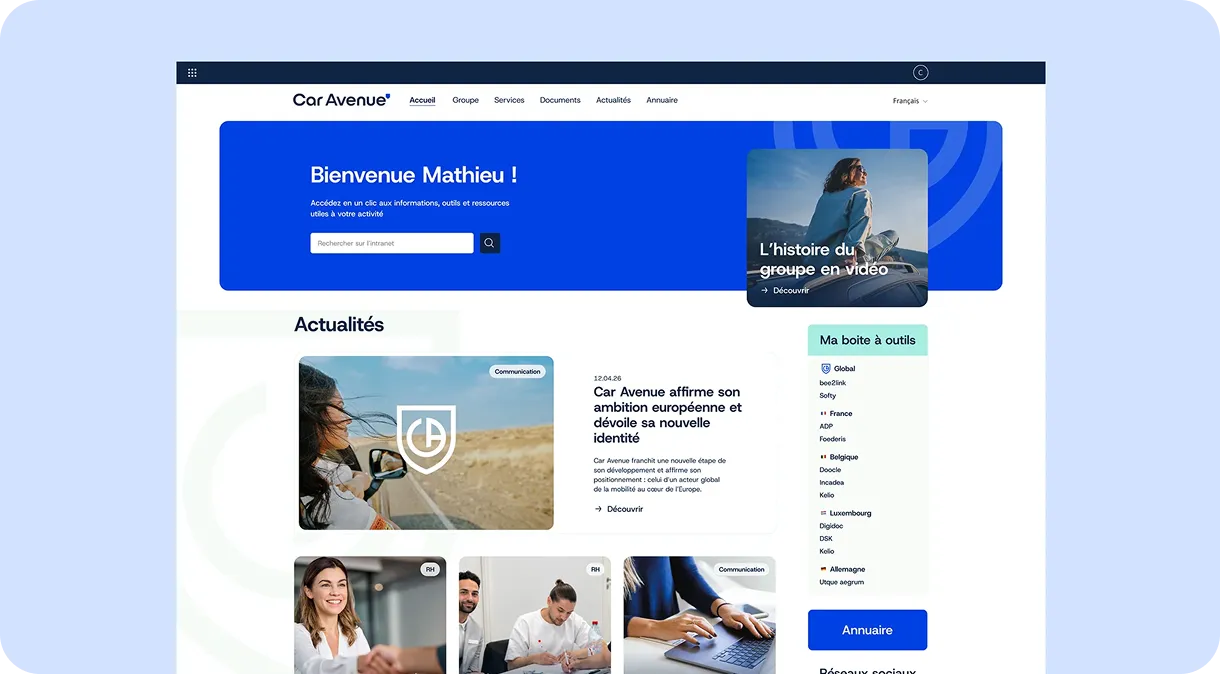
For Car Avenue, we designed a SharePoint intranet as a central communication hub for all the group’s employees. The platform brings together news, business tools and internal services within a modern, custom interface, making it easier to share information across the different dealerships and strengthening employees’ sense of belonging to a constantly evolving group.


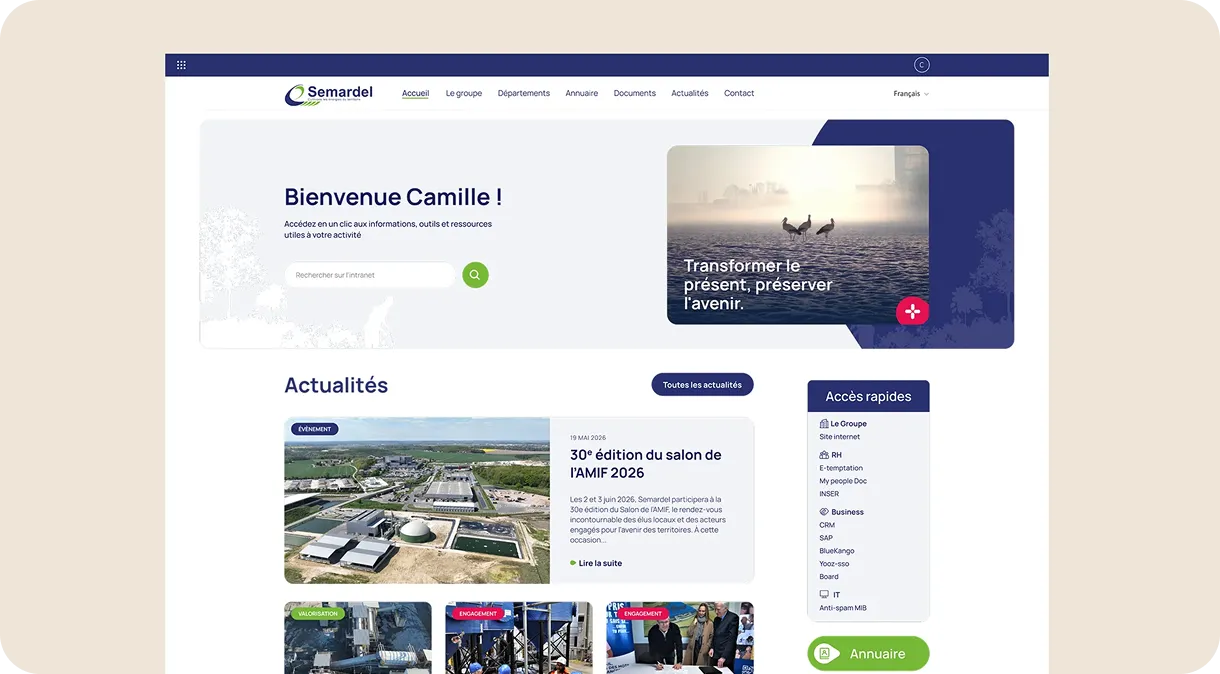
For Semardel, a company committed to the circular economy and resource recovery, we developed a SharePoint intranet designed to improve communication between the company’s different sites and business functions. The structured content and intuitive user experience enable employees to find useful information easily and share a common understanding of the group’s projects and commitments.


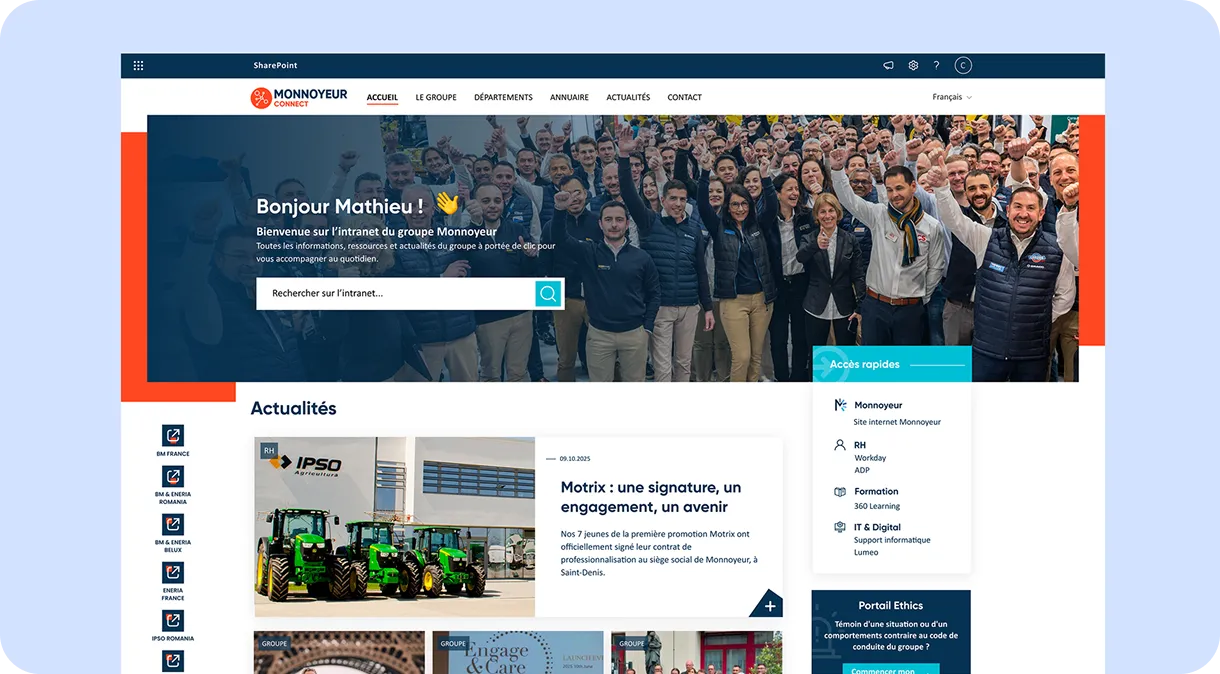
The project delivered for Monnoyeur was designed to support the digital transformation of internal communication through a custom SharePoint intranet. We developed a structured collaborative environment that enables teams to access essential information quickly, share knowledge and work together more effectively, while reflecting the group’s identity and values.


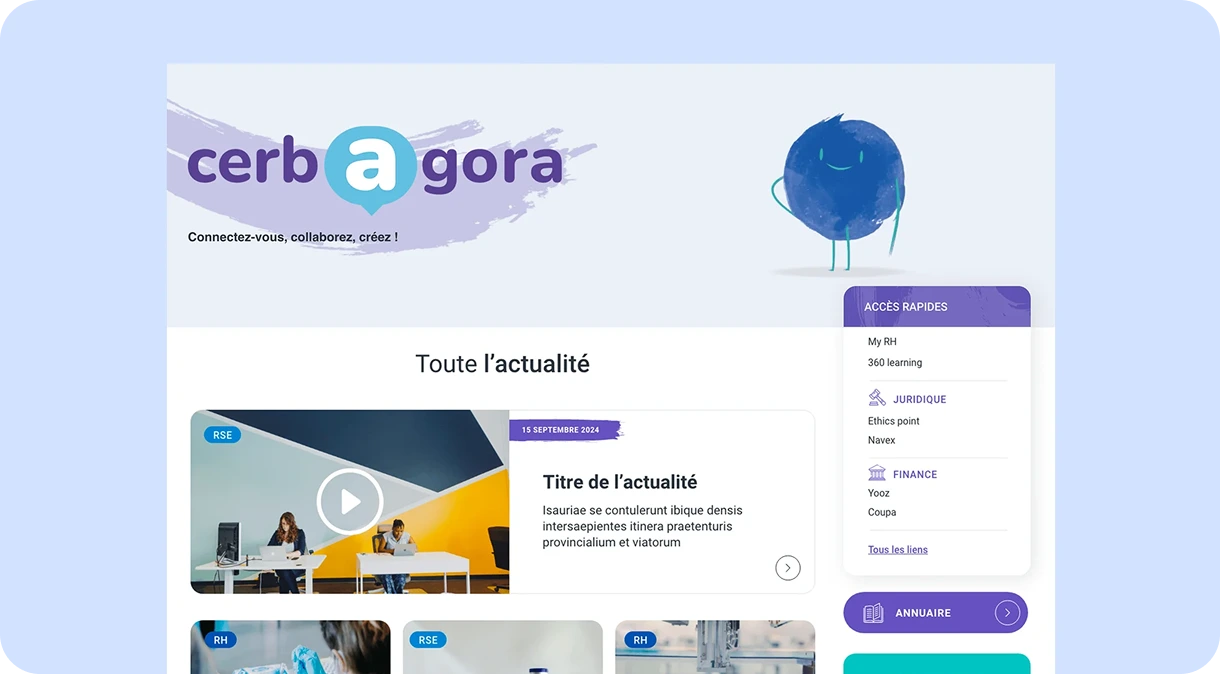
With operations in more than 40 countries, Cerba Healthcare needed an intranet capable of connecting its employees effectively on an international scale. We designed a multilingual SharePoint platform to simplify communication, showcase the expertise of each entity and provide a consistent working environment through a fully custom design reflecting the group’s visual identity.


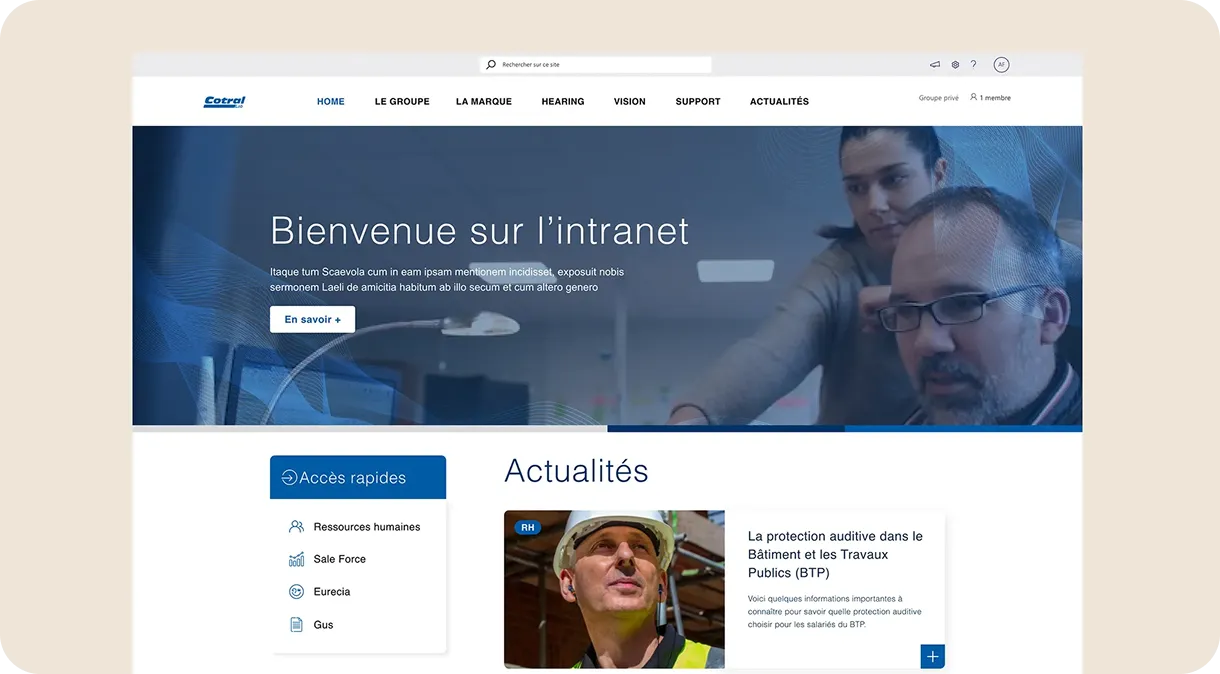
Cotral Lab’s new SharePoint intranet was designed to support a fast-growing company and improve the flow of information between teams. We created a collaborative platform that showcases internal news, expertise and resources through a modern and dynamic interface, helping to strengthen company culture and employee engagement.
They trust us












SharePoint is a Microsoft platform that makes document sharing, collaboration and business content management easier, while providing intranet website features and integration with Microsoft 365.
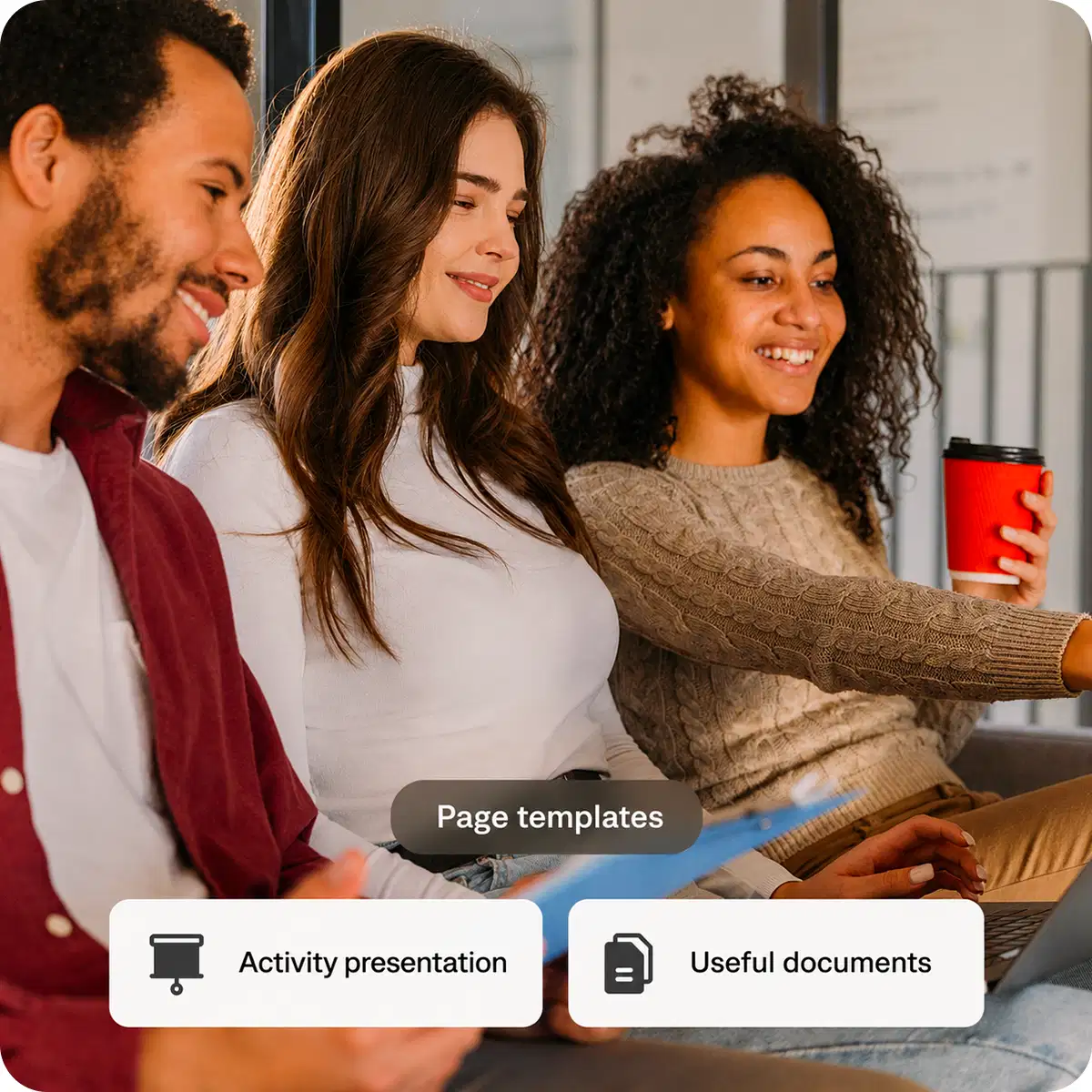
It contains predefined structures, such as layouts, lists and libraries, tailored to specific requirements, including team sites and project management sites. Choosing the right template saves time and ensures consistency throughout your intranet. Our agency then customises these different page templates, including homepage templates, to meet your specific requirements.
It is a pre-designed model made up of several elements, including layouts, tools and sections. In practical terms, it provides the basic building blocks of an effective website and creates a solid foundation for your intranet.
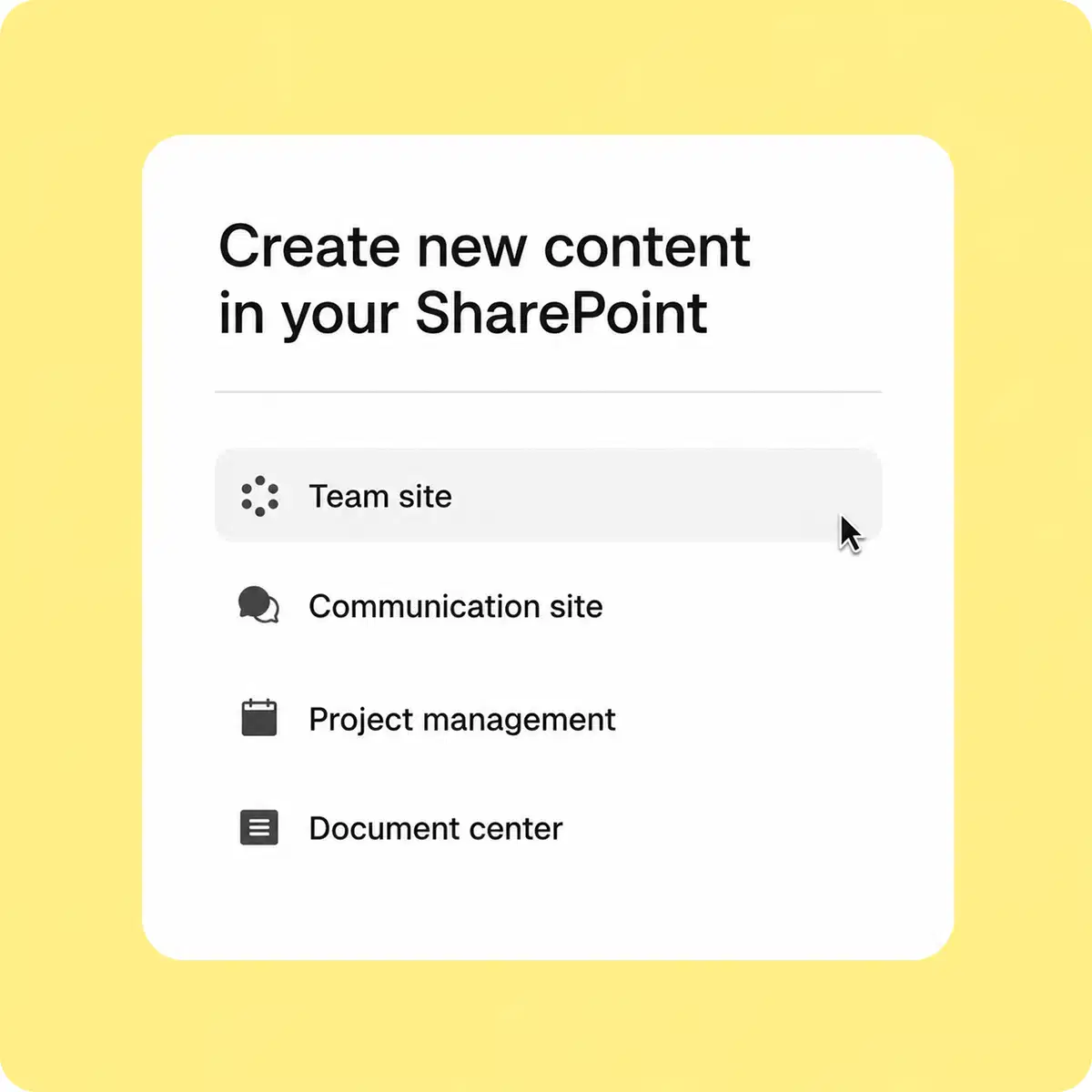
Here are some common examples of SharePoint site templates used by our agency:
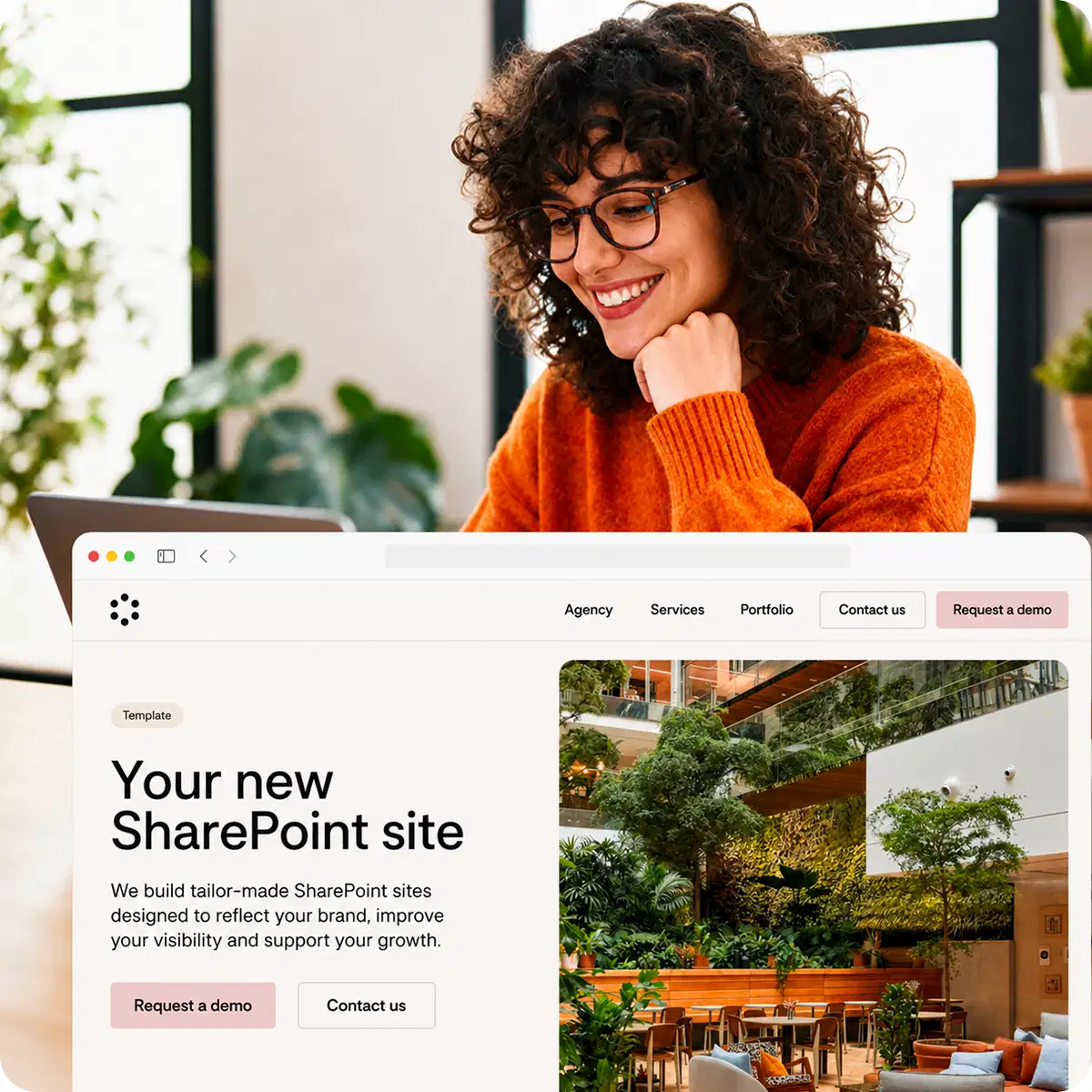
Our SharePoint agency also fully customises templates so that they reflect your organisation’s visual identity and provide users with an attractive and intuitive design.
An agency that supports and advises you throughout your project
A comprehensive audit of your organisation to understand your business processes, objectives and the key challenges of your SharePoint project.
Review of your existing environment and collection of user requirements to define a SharePoint solution tailored to your organisation.
Design of the architecture, site structure and interfaces to deliver an intuitive, high-performing platform.
Deployment of the interfaces and customisation of your SharePoint environment in line with the agreed specifications and Microsoft best practices.
Training and support for users and administrators to encourage adoption and help them make the most of the platform.
Ongoing assistance, maintenance and support to ensure the continued development and long-term success of your SharePoint solution.
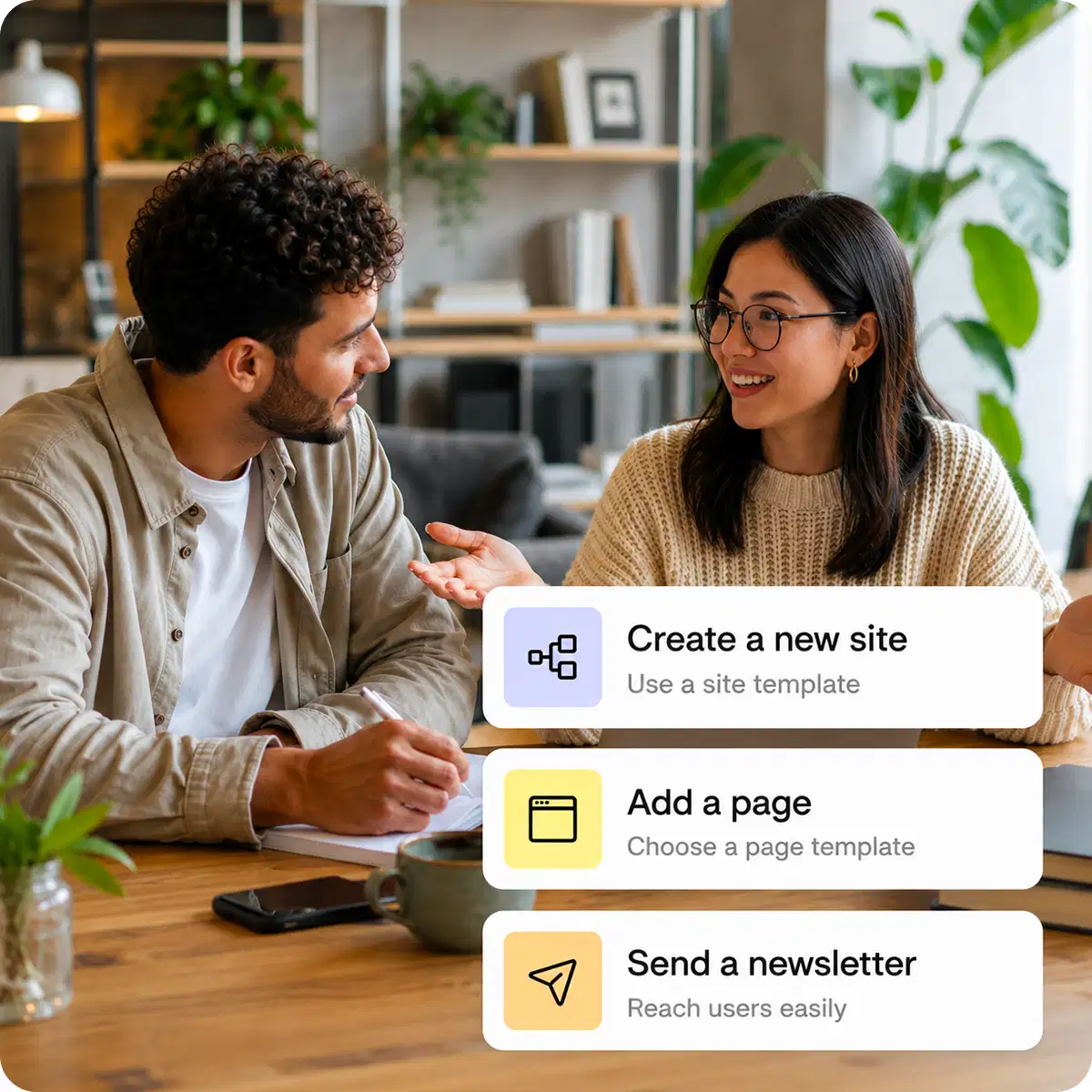
A site template provides the foundation for creating an entire site with a complete structure, while a page template provides the foundation for creating a single page, such as a homepage, within an existing site.
It includes elements such as document libraries, lists, pages and preconfigured settings. For example, you can use a team site template with collaboration tools or a communication site template to share information.
It provides a predefined layout and sections for organising content such as text, images and videos. One example is a news page with a title, an article area and sections for images or links.
Our agency’s expertise in corporate intranet creation ensures that best practices are followed when configuring, customising and optimising your SharePoint environment. Using a SharePoint template offers several benefits for an organisation.
Time savings: your intranet and pages can be created quickly because everything is preconfigured
Ease of use: no advanced technical knowledge is required on your side
Organisational efficiency: templates are designed to meet specific requirements, including collaboration, information sharing and project management
Flexibility: features can be added or modified
Fewer errors: using pre-designed templates reduces configuration and design errors when creating sites
They trust us