Intranet solutions

Website development

A technology developed by Studionet to create richer, more personalized SharePoint experiences that are easier to manage.
They trust us













Give your SharePoint content greater creative freedom with a tool that:
Simplify the day-to-day management of your intranet with a tool that:
Evolve your intranet as your needs change with a solution that:
Adapt your intranet to the real needs of your employees with a solution that:
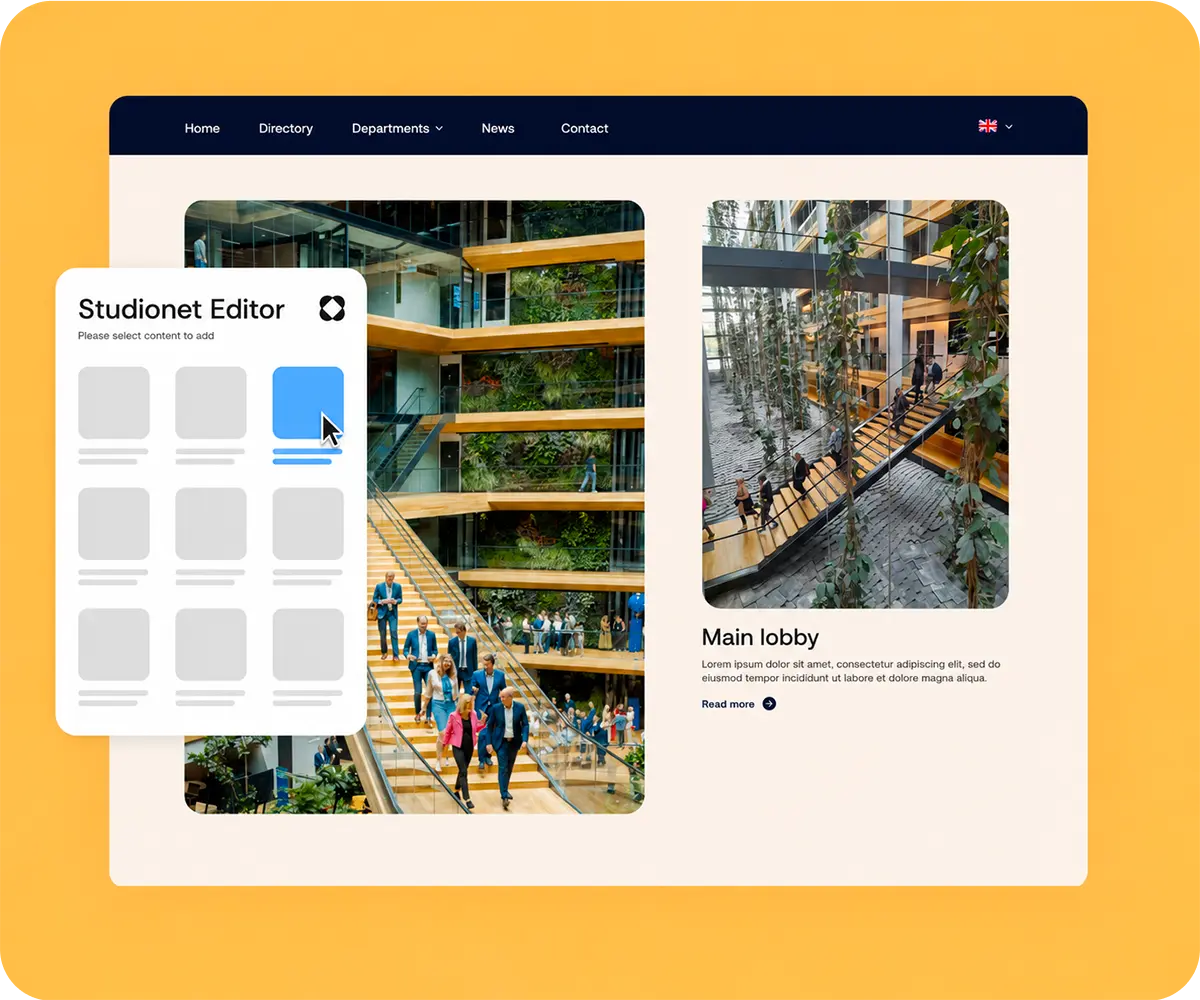
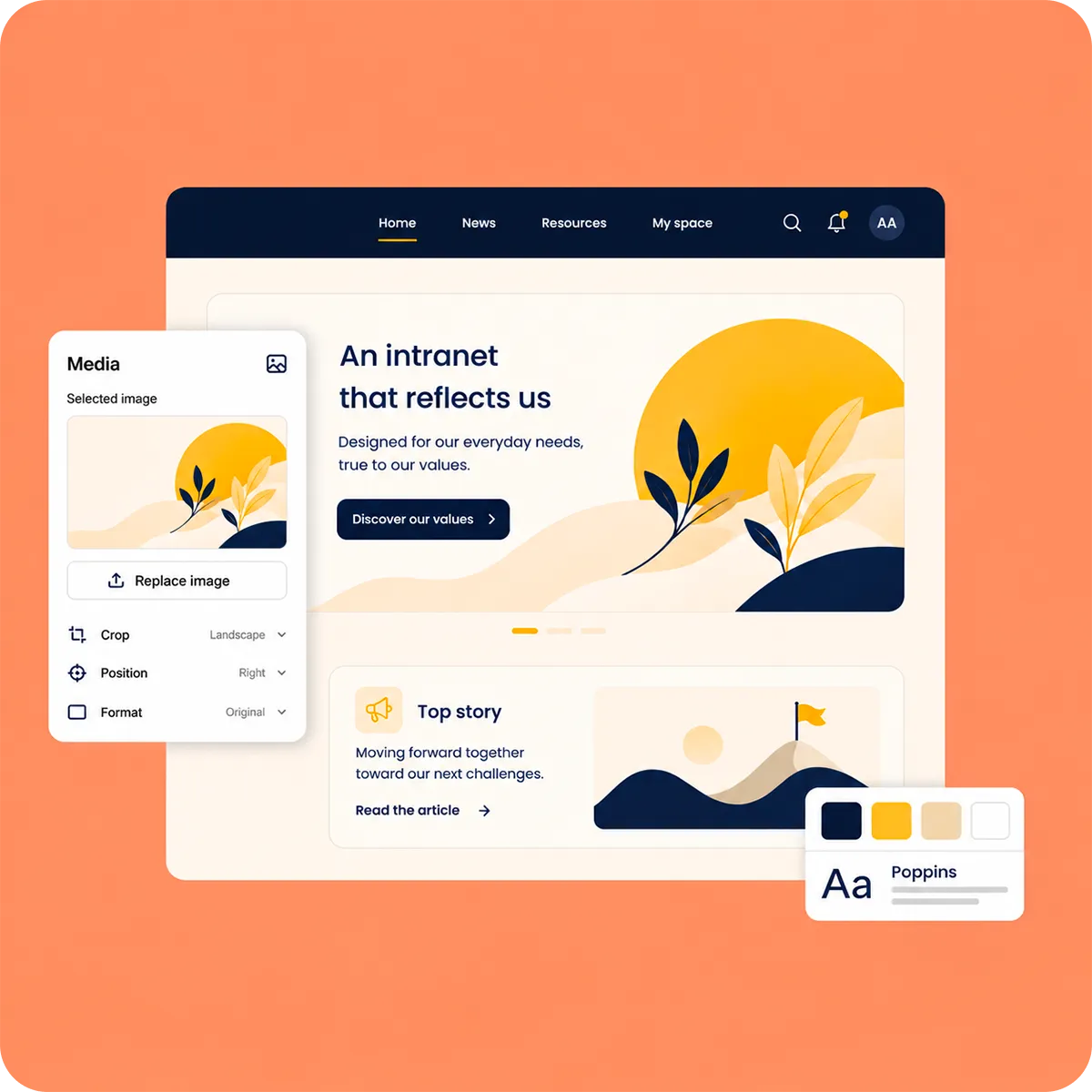
Studionet Editor lets you go beyond standard SharePoint layouts to create pages that are fully aligned with your visual identity.
It enables you to:
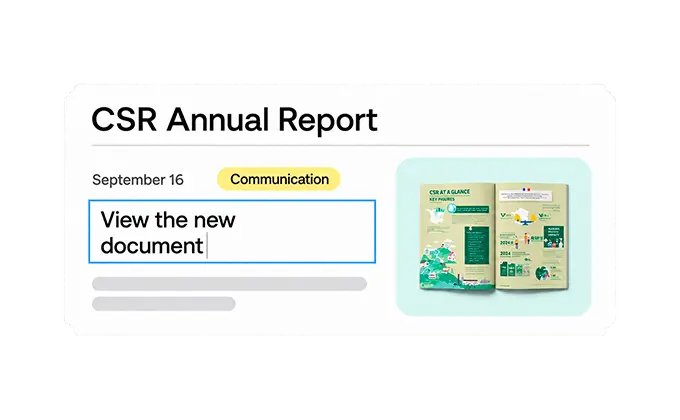
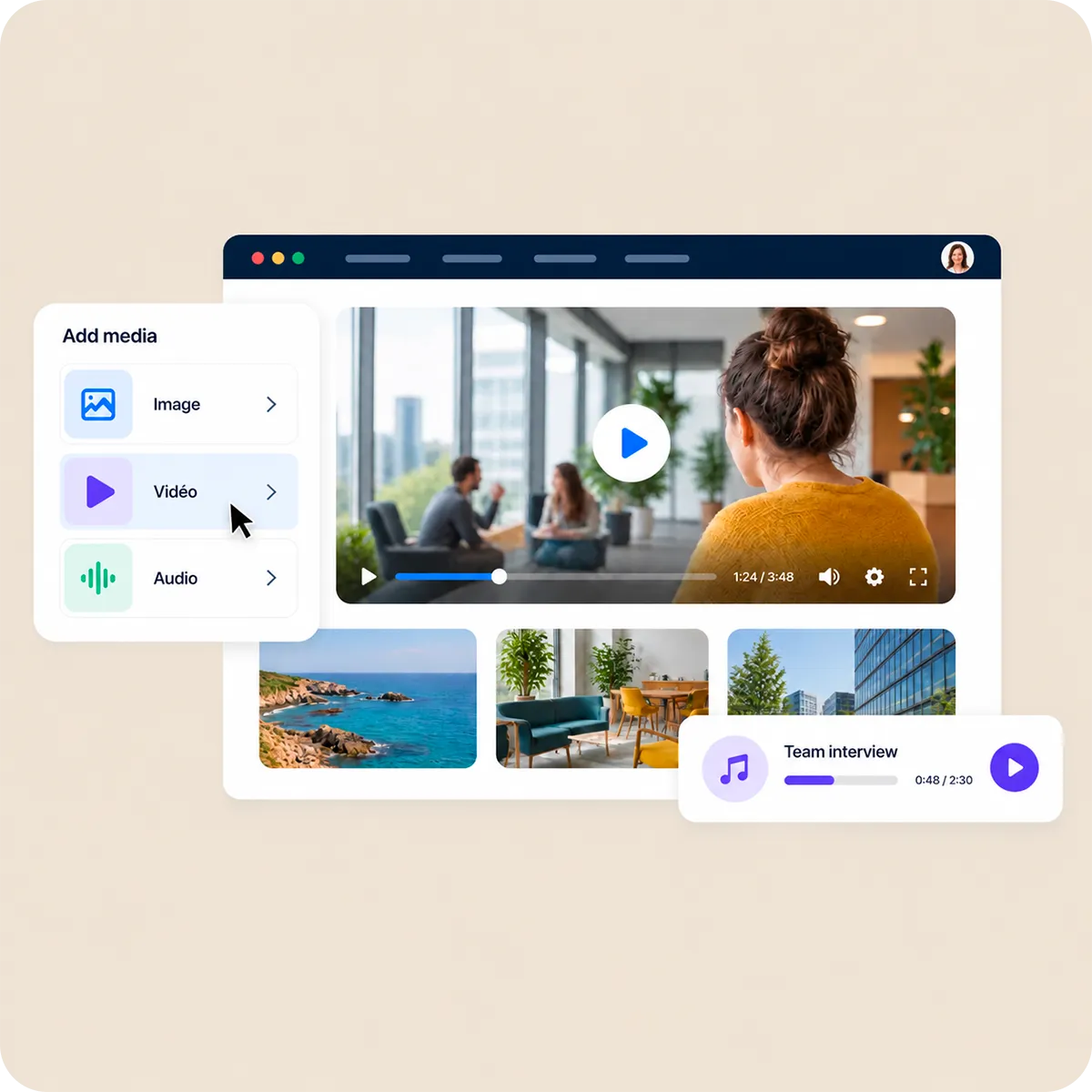
Enrich your SharePoint pages with a wide range of content formats designed for your internal communication needs.
You can:

Give your content more impact with comprehensive media management directly within your SharePoint pages.
Studionet Editor enables you to:
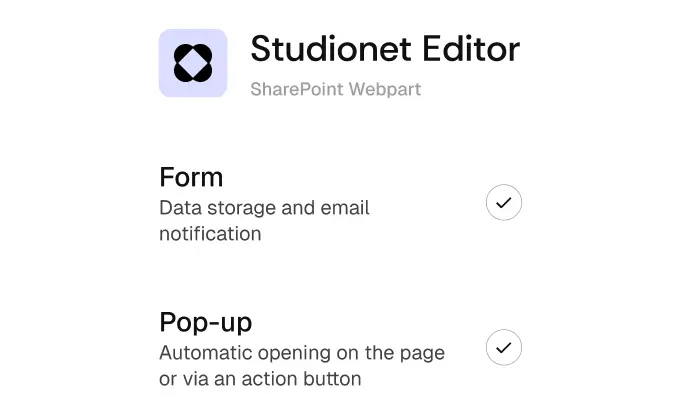
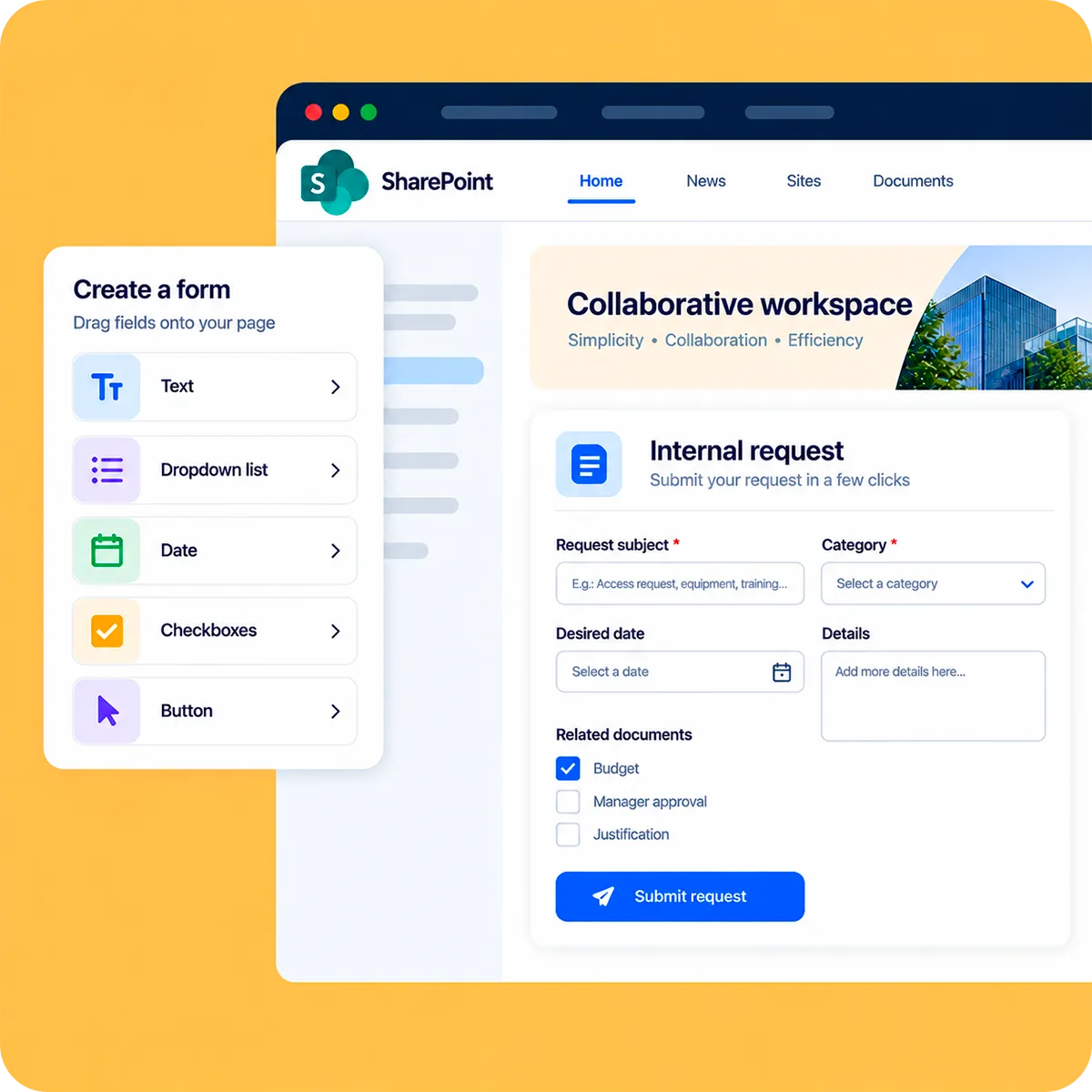
Easily collect the information you need with forms integrated directly into your SharePoint pages.
This allows you to:
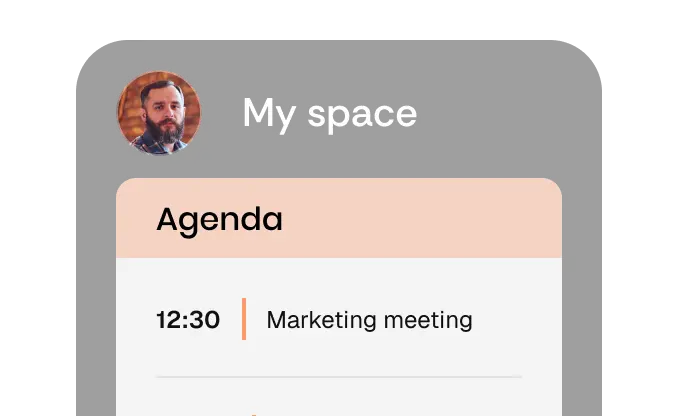
Highlight important information at the right time with event-driven content integrated into your intranet.
You can:

Bring your SharePoint pages to life with interactions that enhance the user experience without making navigation more complex.
Studionet Editor enables you to:

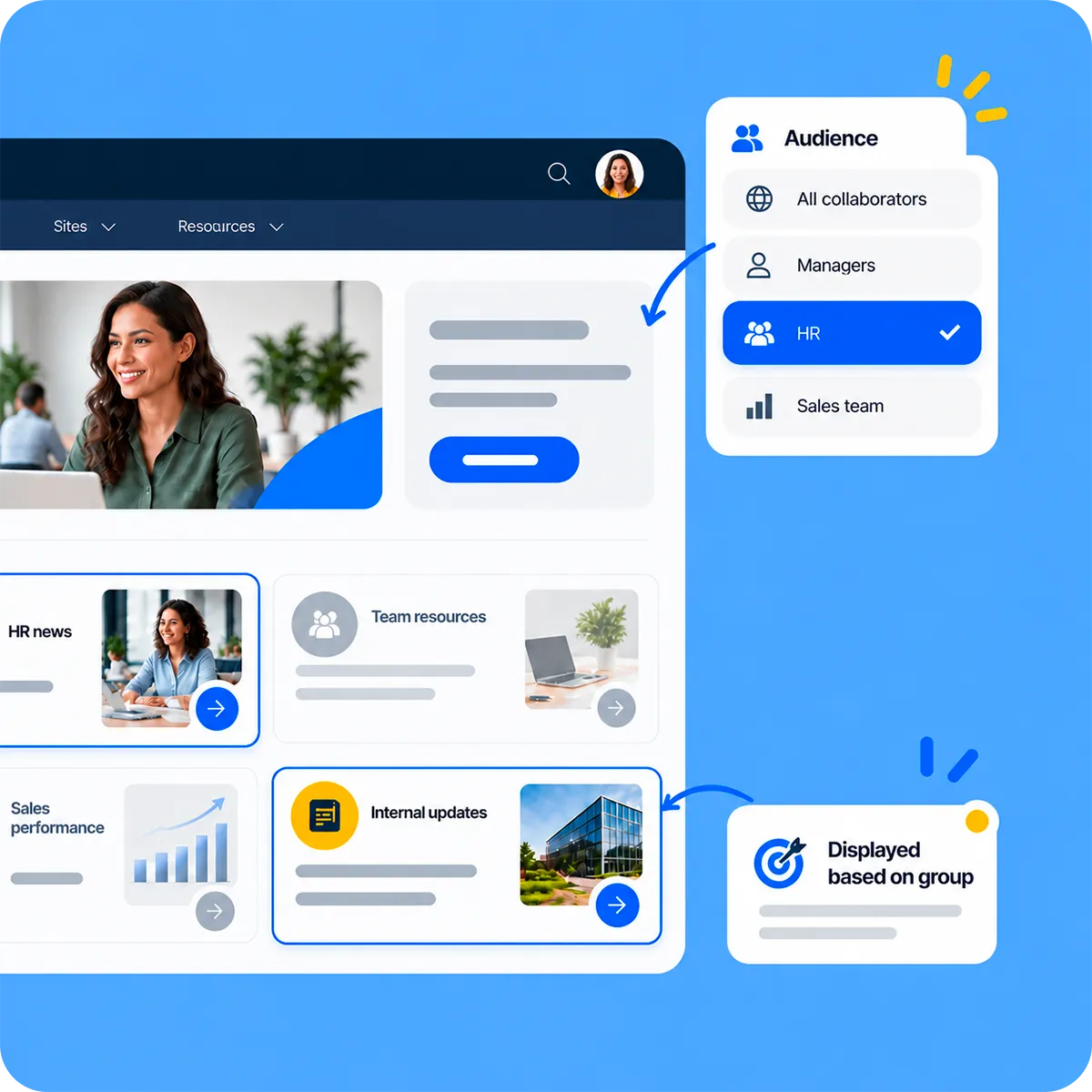
Deliver more relevant information to each employee by adapting displayed content based on their profile or group membership.
This allows you to:


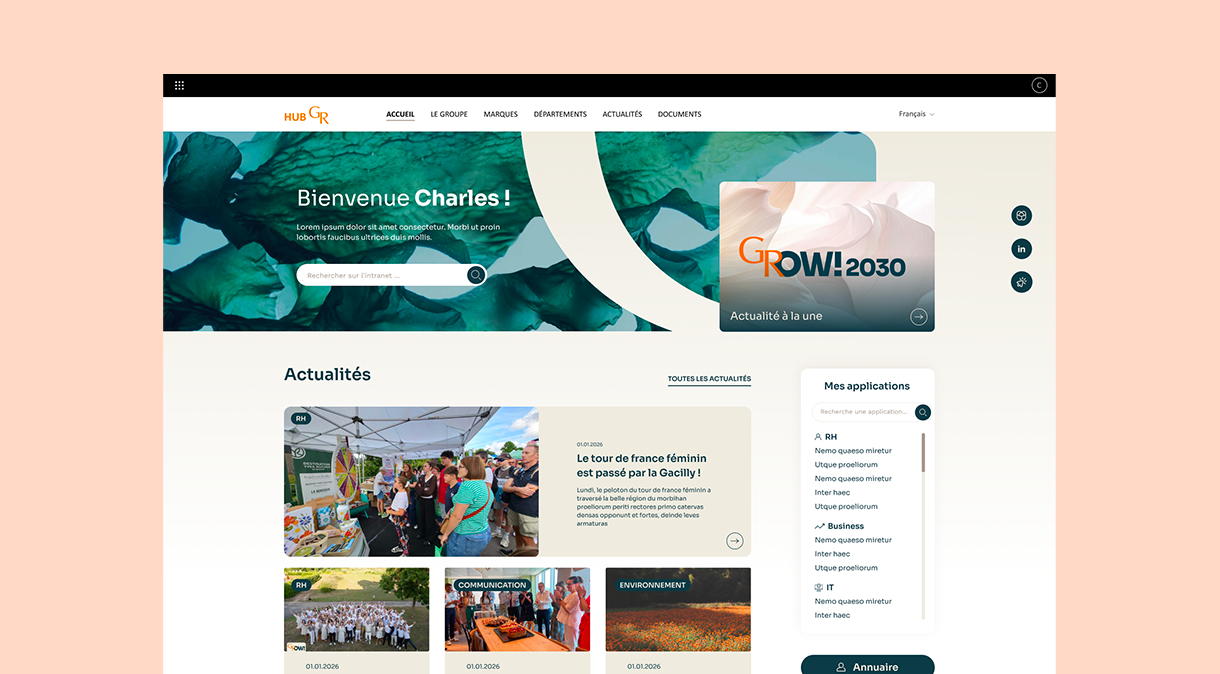
Design of the main pages of the SharePoint 365 intranet and integration of content through animations and hover effects.
Use of the group’s brand guidelines to preserve the identity of its external communications for employees. Integration of a Yammer block connected to the user’s profile.
Adaptation of the homepage design across the intranet’s main internal pages to provide a better user experience.


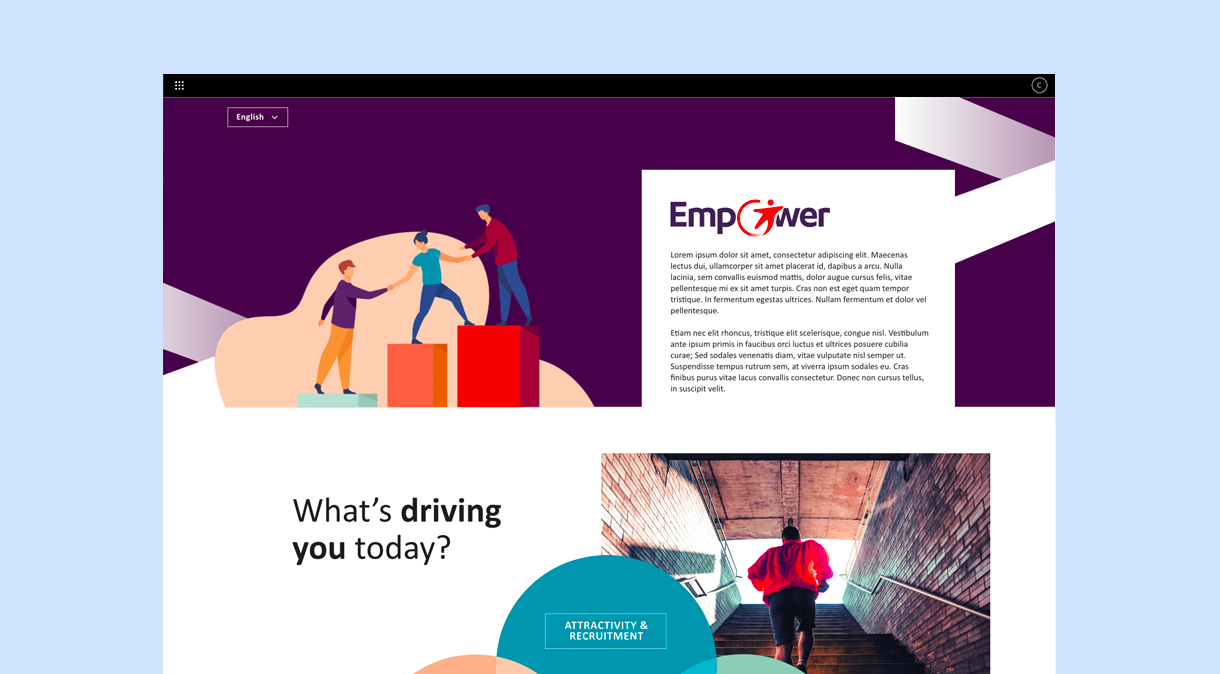
The creation of Transdev’s SharePoint intranet was a crucial step in improving internal communication and collaboration across the company, while also encouraging internal career mobility.
To make the interface more user-friendly and engaging, we adapted the group’s visual identity and integrated internal employee testimonials in video format to share real experiences.


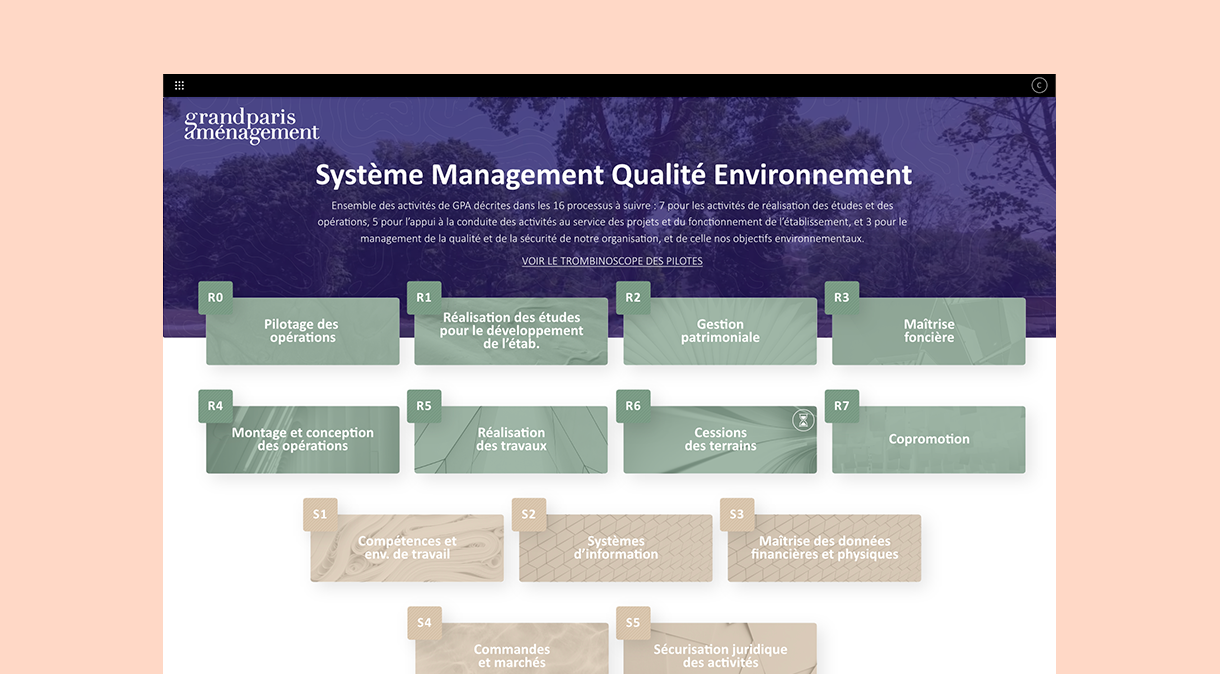
Our agency implemented the design of the Grand Paris Aménagement SharePoint intranet following an in-depth analysis of user needs and requirements.
We designed a user-friendly and intuitive interface aligned with the organisation’s visual identity, with a strong focus on ease of navigation and accessibility.


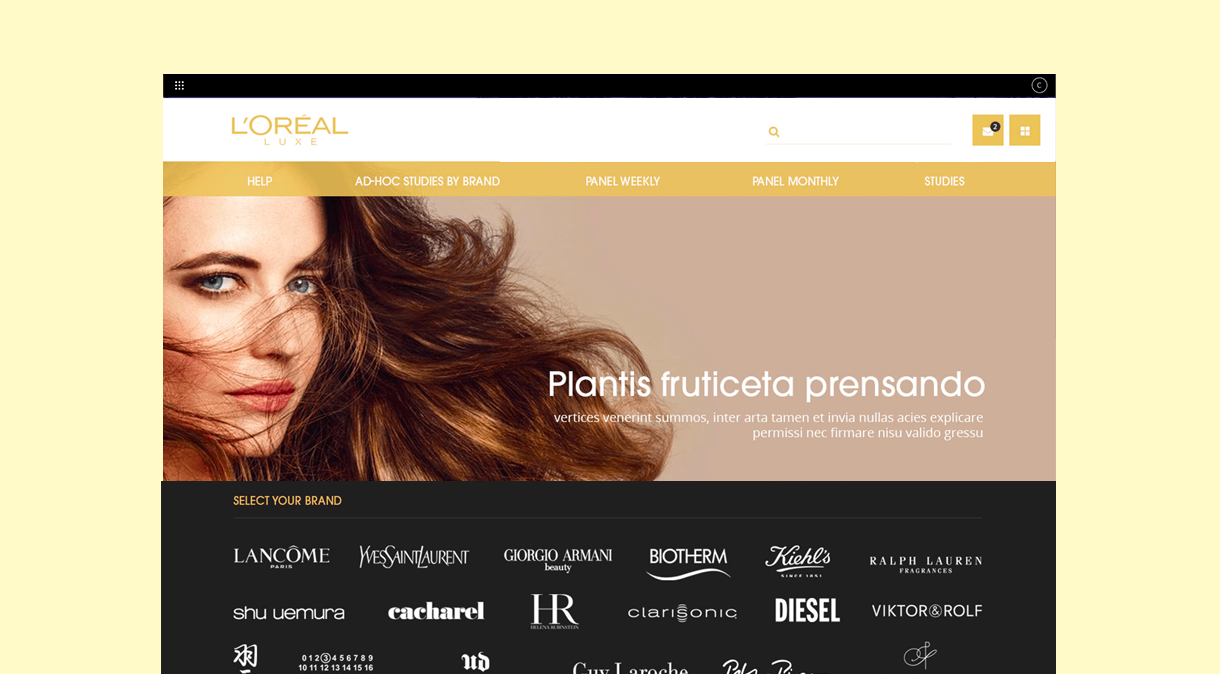
The L'Oréal Luxe HR intranet was designed to make day-to-day work easier for employees within the human resources department.
It centralises and shares documents, supports the organisation of meetings, allows job vacancies to be published and encourages communication between team members.
The platform is exclusively accessible to members of the group’s HR team and therefore requires specific access-rights management.


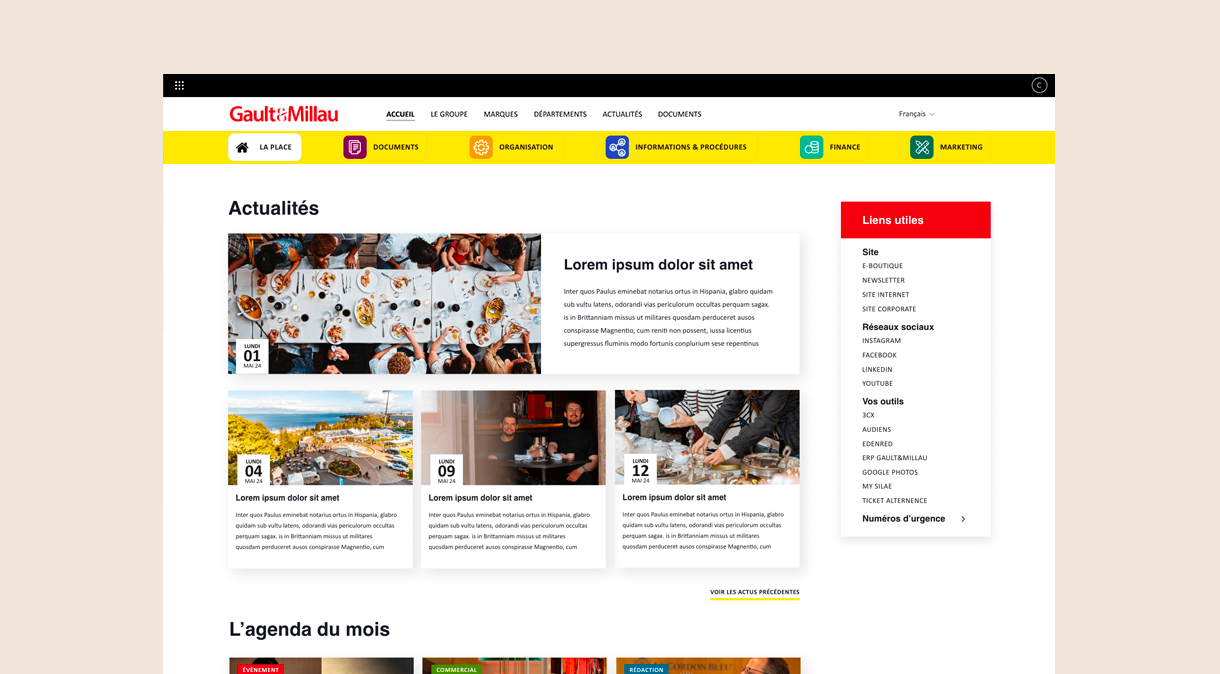
The renowned food guide entrusted our agency with the design and integration of its SharePoint 365 intranet.
The platform enables employees to centralise documents and share knowledge. It also provides access to the company-wide employee directory.
From the homepage, users can view the latest news and explore upcoming events.
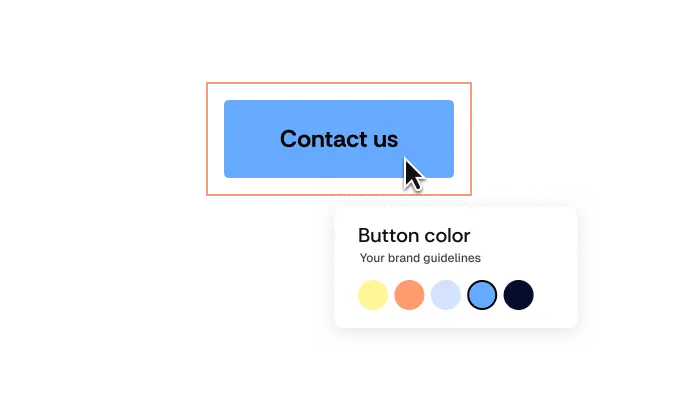
Studionet Editor makes it easier to create and update content while preserving the design rules defined for your intranet. Your contributors gain greater autonomy without compromising your visual identity.
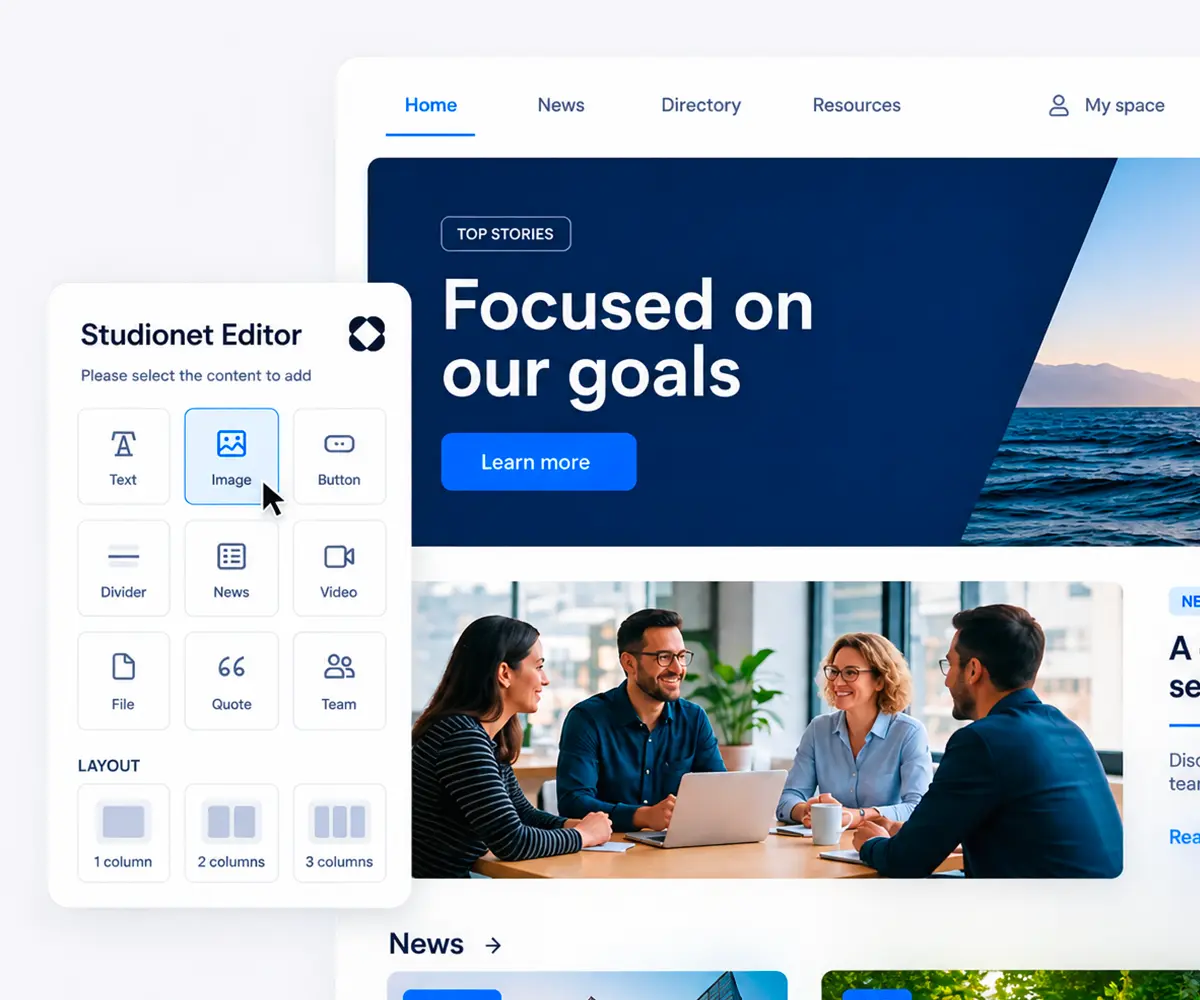
Intuitive Editing
Contributors can edit their content directly within SharePoint.
A Unified Interface
The main content creation and formatting features are centralized within a single experience.
Designed for Autonomy
Once the intranet is live, teams can continue updating their pages while respecting brand guidelines, without systematically relying on a technical team.
One interface to centralize your content creation
Integrated into SharePoint for a seamless and consistent experience.
Extended possibilities to evolve your intranet according to your needs.
Studionet Editor is designed to integrate seamlessly with SharePoint, without adding an external platform to manage. Your content, access permissions, and workflows remain within your Microsoft 365 environment, providing a reliable, sustainable, and easy-to-maintain solution.
Across our SharePoint projects, we found that no existing editor fully met our clients’ expectations in terms of freedom, simplicity, and customization. Because we design and develop our own SharePoint solutions, we created Studionet Editor to address these needs directly.
Our approach is based on:
Studionet Editor was born from our hands-on expertise with one simple goal: to give organizations more possibilities within SharePoint without adding complexity.


Studionet Editor works directly within your SharePoint environment. Your content, data, and access permissions remain within your Microsoft 365 tenant, with no dependency on an external platform. This integration preserves the security framework already in place within your organization while relying on Microsoft’s native security mechanisms.
In practice:
You retain control over your data and access permissions while benefiting from the security and governance framework of your Microsoft 365 environment.
Studionet Editor extends SharePoint’s native capabilities to create richer and more engaging intranets. It enables you to design custom layouts, integrate different content formats, media, forms, animations and popups, and target specific content to different users.
The goal: to take SharePoint further without multiplying tools and external solutions.
Yes. Studionet Editor is designed to give teams greater autonomy while preserving the visual identity defined for the intranet.
Contributors can update their content directly within SharePoint, while the established design principles and formats remain controlled. This gives your teams greater autonomy without compromising the consistency of your communications.
Yes. Studionet Editor works directly within your SharePoint environment and does not require an external platform to manage your content.
Your data remains within your Microsoft 365 environment, while authentication, access permissions, and user groups continue to rely on SharePoint’s security mechanisms. You therefore retain control over your data and your environment.
They trust us