



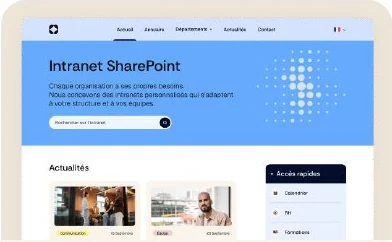
Custom design
Break free from SharePoint’s standard design limitations and create interfaces that fully reflect your brand identity, needs and visual guidelines.

Create
Break free from SharePoint’s standard design limitations and create interfaces that fully reflect your brand identity, needs and visual guidelines.
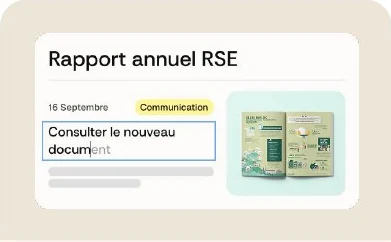
Create and format content freely with an intuitive editor that offers more options than SharePoint’s standard editing tools.

Easily add images to your pages and customize how they appear to create more visual, engaging content that reflects your brand.

Bring your pages to life with videos embedded directly into your content to inform, explain and communicate more dynamically.
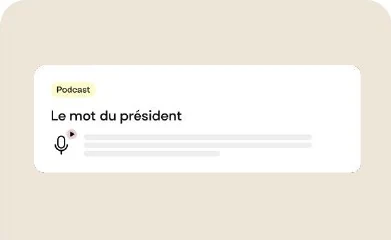
Embed audio content and podcasts directly into your SharePoint pages to offer employees new, easy-to-access communication formats.

Combine text, images and calls to action in an eye-catching block to highlight important information, services or content.
Create fully customized buttons that match your visual identity and guide users to the content, services and actions that matter.
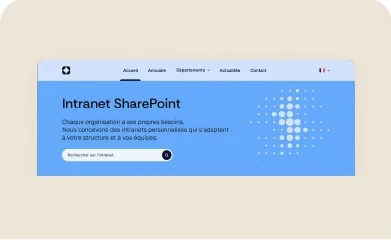
Create customized visual banners to make your pages more impactful and highlight important communications, campaigns or announcements.
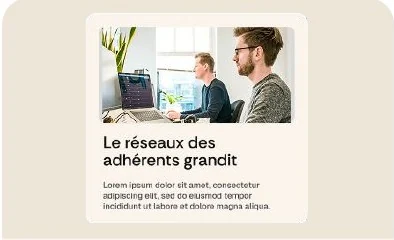
Easily combine text and images in customized layouts to organize content and create more attractive, enjoyable pages.
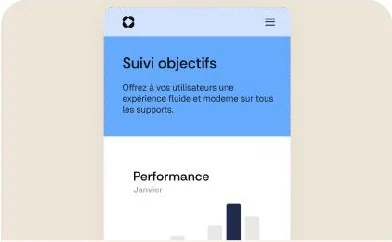
Standardize content creation with page templates that maintain visual consistency and make publishing easier.
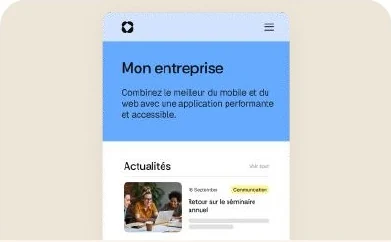
Offer ready-to-use news templates to simplify content creation while keeping communications consistent and professional.
Inform
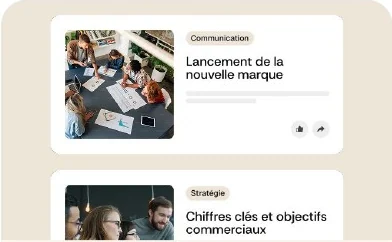
Automatically display the latest published news to keep employees informed and give recent communications greater visibility.
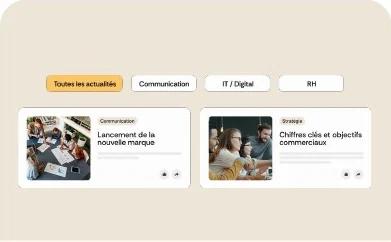
Let employees filter news by topic, category or section so they can quickly find the information that matters to them.
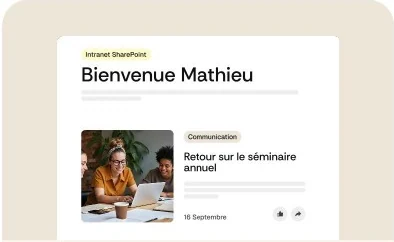
Highlight upcoming events in a clear, engaging layout to keep employees informed about important company activities.
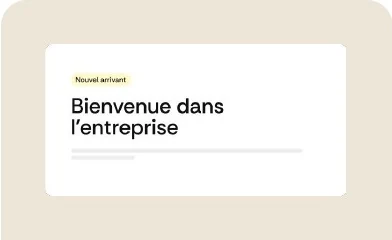
Highlight important information in a pop-up window that can appear automatically or on demand, depending on your communication needs.
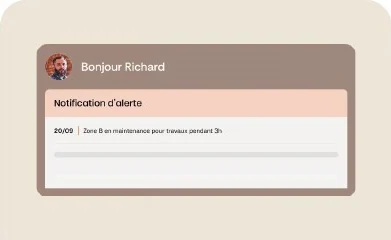
Centralize the creation and management of priority communications so you can quickly share important messages with employees.
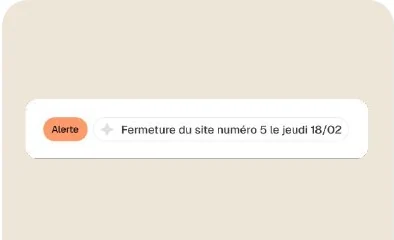
Display priority messages directly on your intranet to immediately draw employees’ attention to urgent or particularly important information.
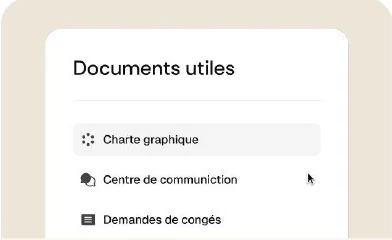
Make essential documents easier to access by displaying them directly on your pages in a clear, organized and readily accessible way.
Engage
Let employees react to news and discuss published content to encourage more participative internal communication.
Easily ask employees questions, gather feedback and track responses with polls integrated directly into your SharePoint environment.
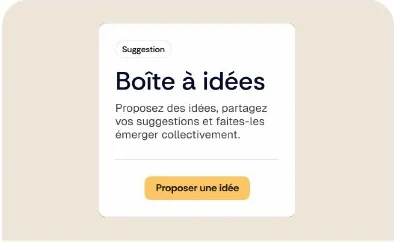
Encourage participation by allowing employees to submit ideas, suggestions and initiatives directly through your intranet.
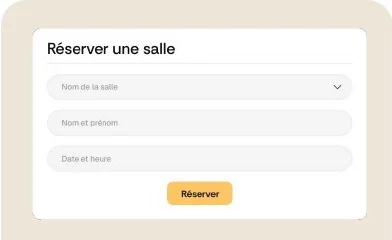
Create forms tailored to your business needs to easily collect requests, information and contributions directly from your SharePoint pages.
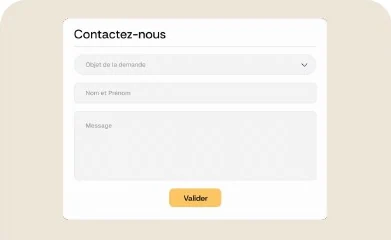
Make it easy to get in touch with integrated forms that let employees quickly send a request to the relevant team or contact.
Connect
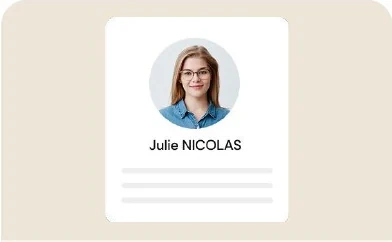
Showcase employees, their roles and career paths with engaging profiles that help teams connect and get to know one another.
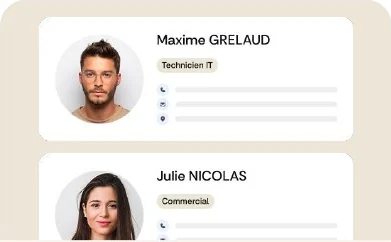
Introduce new employees to the company to support their onboarding and encourage connections from day one.
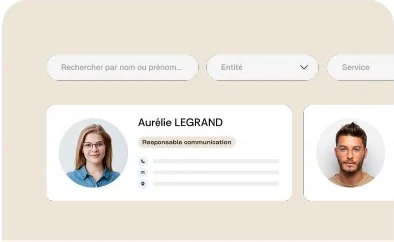
Help everyone quickly find colleagues and key contact details in a clear, modern directory seamlessly integrated into your intranet.
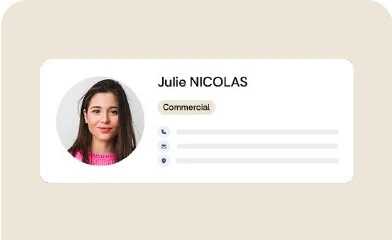
Highlight relevant contacts directly on your pages so employees immediately know who to reach out to for their needs.
Find
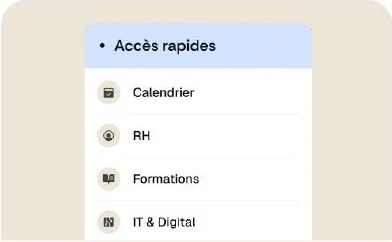
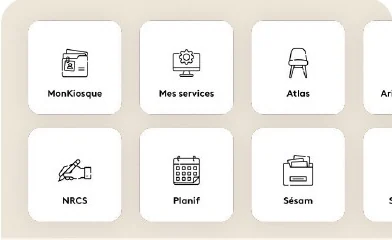
Bring the most frequently used applications and services together so employees can quickly access their tools from a single entry point.
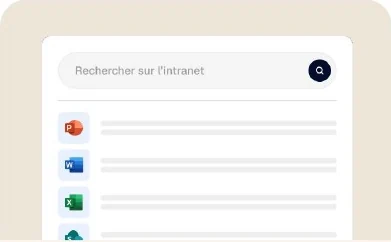
Create a centralized search experience that helps users quickly find intranet content, news, documents and information.
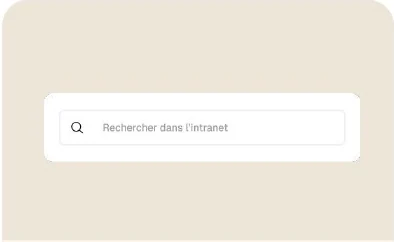
Add a customized search bar to your pages to provide immediate, intuitive access to content across your environment.
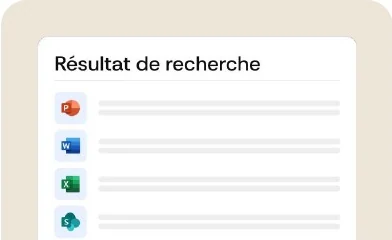
Present search results in a clear, customized interface to help users identify and access relevant information.
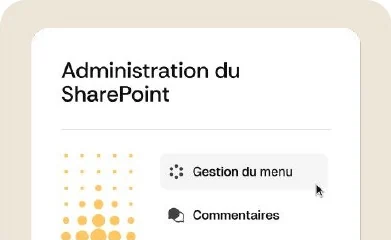
Create navigation tailored to your organization and workflows to naturally guide employees toward the most important spaces and content.
Enhance navigation with a fully customized footer featuring useful links, practical information and quick access to essential resources.
Manage
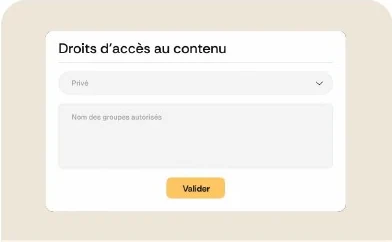
Precisely define which employees can view each piece of content to deliver experiences tailored to the profiles, needs and groups within your organization.
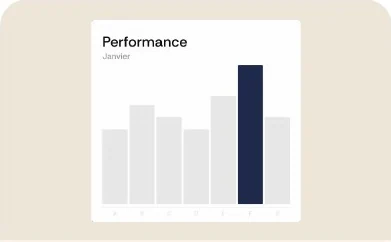
Analyze content views and usage to better understand behavior and identify the information that genuinely interests your employees.
Try another keyword, such as “news”, “search” or “form”.